

Guides6 min read
How to Find and Delete Large Videos in Google Photos
Videos are usually the biggest thing in your Google storage. Here's how to find large videos in Google Photos, back up the keepers, and delete the rest safely.
Thoughts, stories and ideas.
Videos are usually the biggest thing in your Google storage. Here's how to find large videos in Google Photos, back up the keepers, and delete the rest safely.
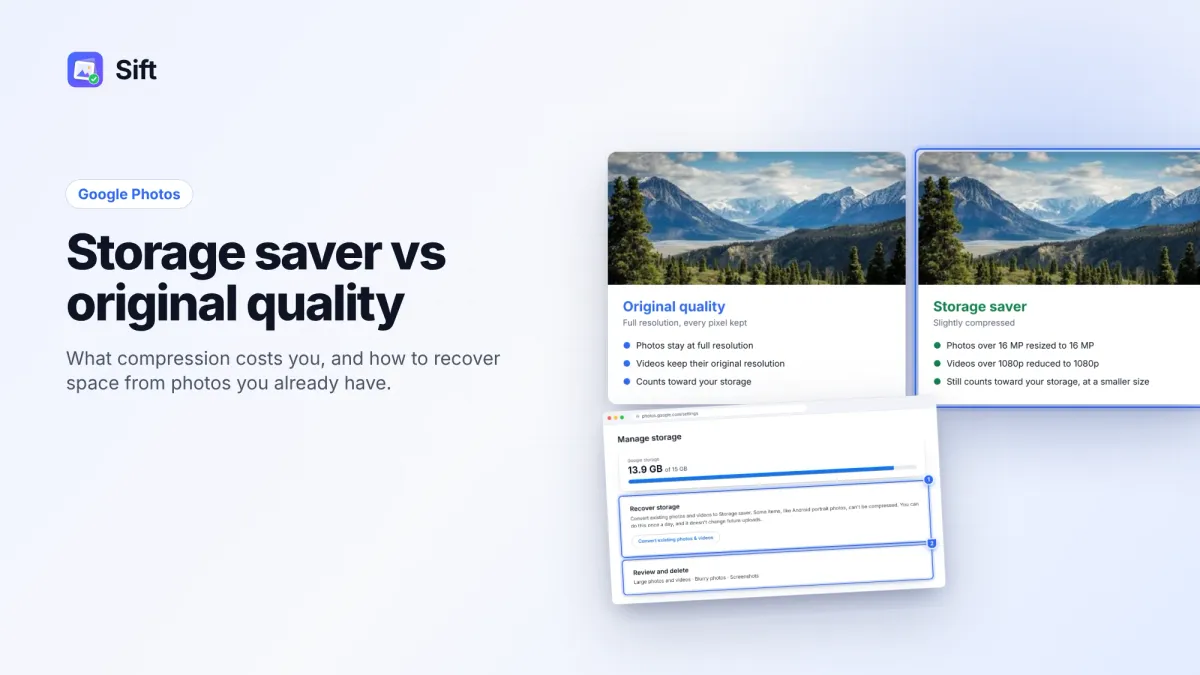
Storage saver resizes photos to 16 MP and videos to 1080p; Original quality keeps everything. Here's who notices, how to switch, and how Recover storage works.
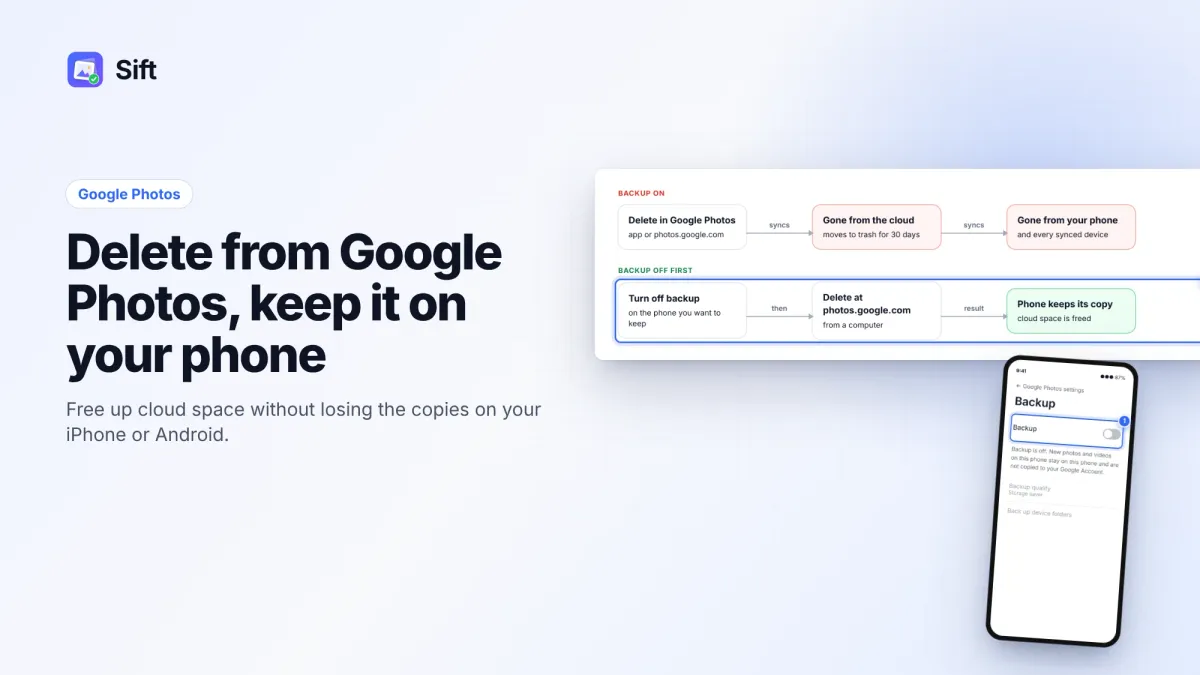
Deleting in Google Photos also deletes from your phone when backup is on. Here's the safe order on Android and iPhone, and why "Free up space" does the opposite.
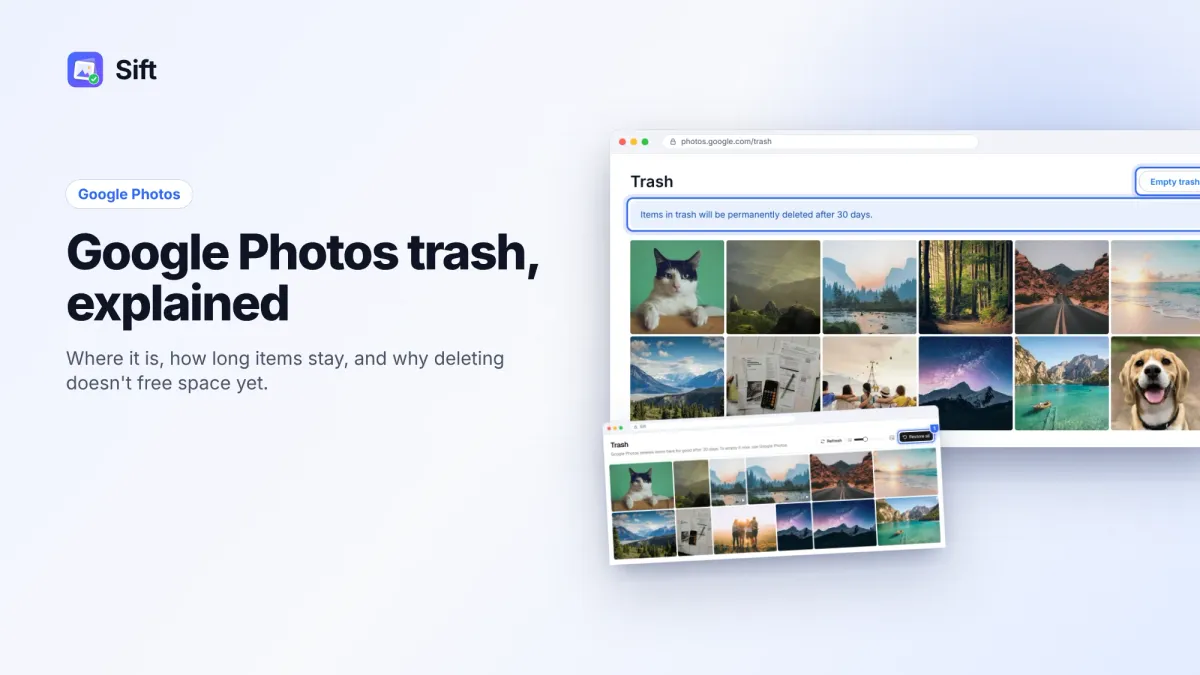
Find the Google Photos trash on Android, iPhone and the web, restore deleted photos within 30 days, and empty it to get your storage back.
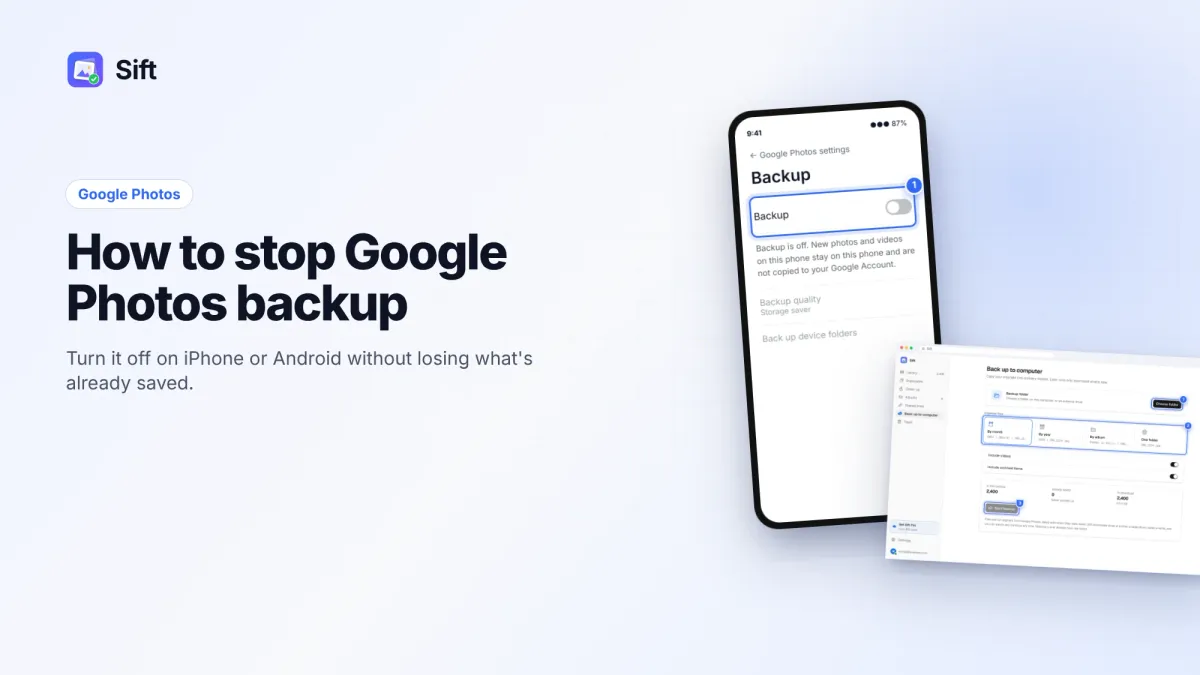
How to stop Google Photos backup on Android and iPhone, what happens to photos already backed up, and how to fix full storage so backup can keep running.
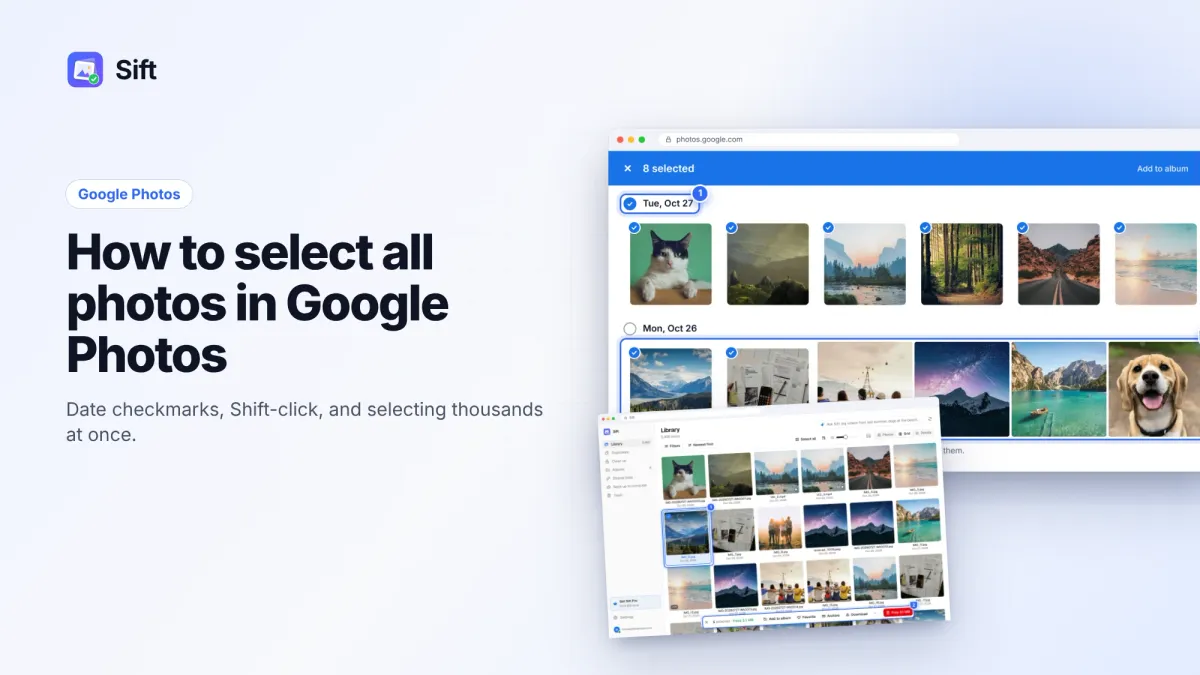
Google Photos has no true select-all button. Here's how to select all photos on the web, Android and iPhone, and a faster way when you have thousands.

Cancelling Google One doesn't delete your photos, but going over 15 GB stops backups and email. Here's the safe order: get under 15 GB, then cancel.
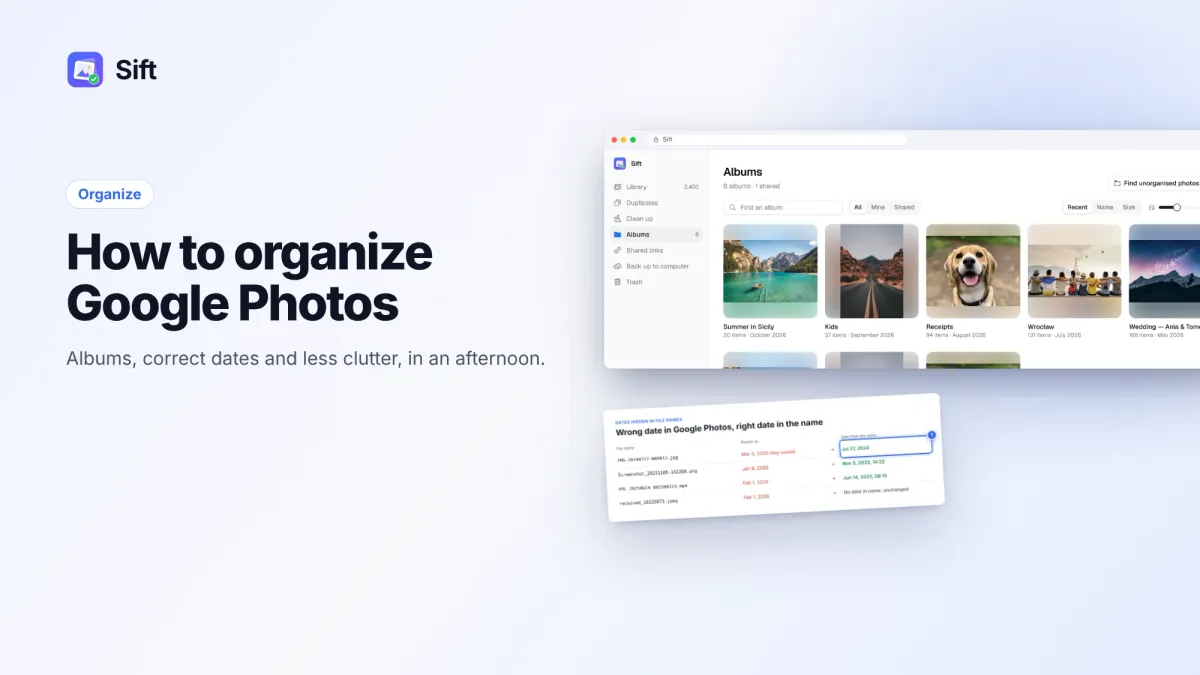
A practical system to organize Google Photos: clear duplicates and screenshots first, build albums by event, archive or delete, star favorites and fix wrong dates.
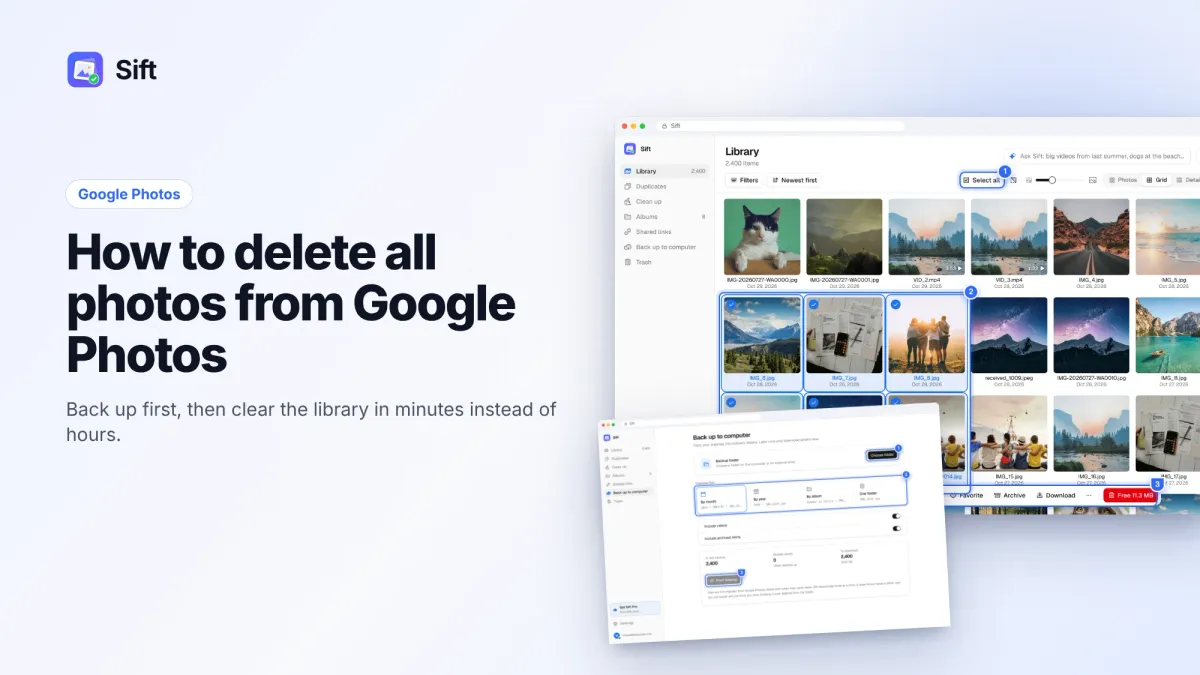
How to delete all photos from Google Photos without losing the ones you want: back up first, protect your phone's copies, then clear the library on the web, the app or with Sift.
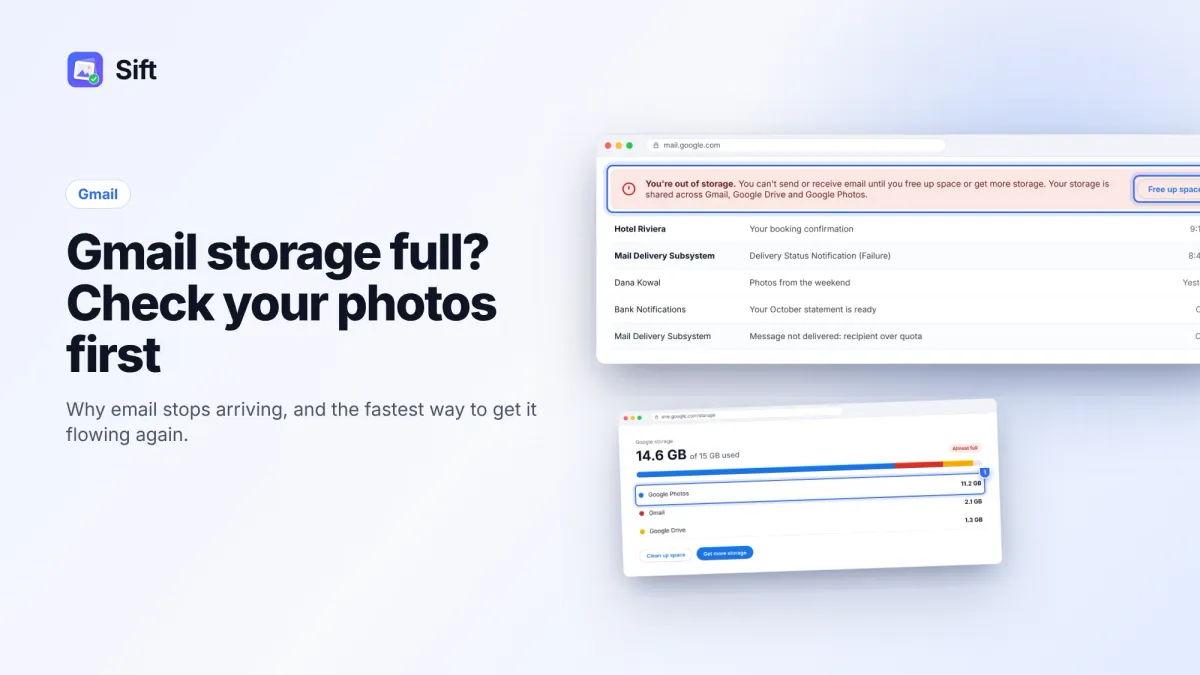
Gmail shares your 15 GB with Google Photos, so a full inbox is often a photo problem. Here's how to check where the space goes and fix it fast.
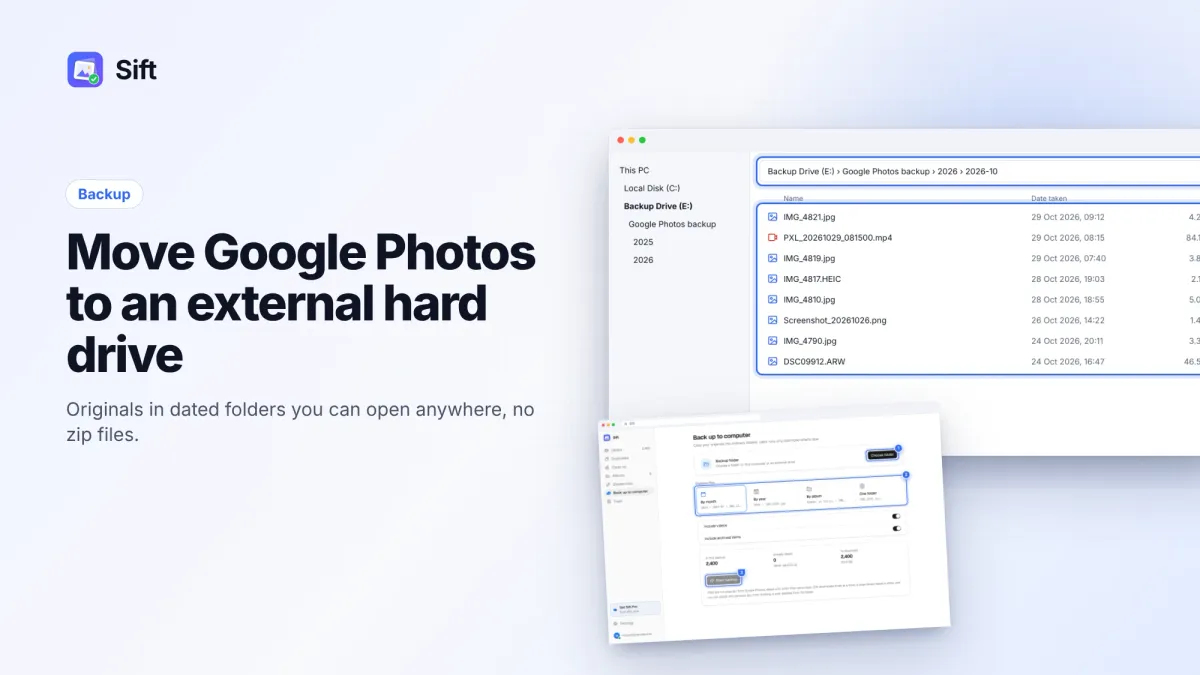
Two ways to transfer Google Photos to an external hard drive: Google Takeout, or a Sift backup that writes dated folders and only copies new items next time.
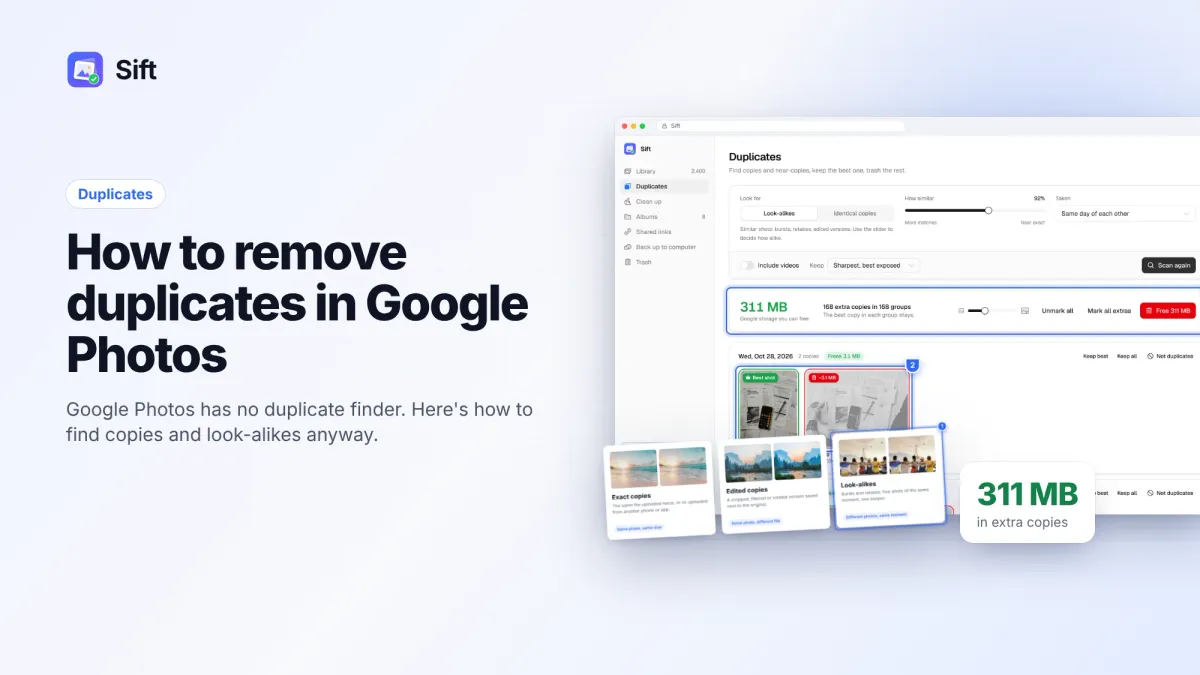
Google Photos has no built-in duplicate finder. Here's why duplicates pile up, how to find and delete them for free, and how to clean a whole library in minutes.